Redline
A blog turned into a register of changes across my projects. The parts you don't see are the ones that make it quick to keep up: a draft written from the commits, pages that update the moment I publish, and a database that suits a site written to now and then.
- Made
- 2025, rebuilt in 2026
- Stack
- Next.js 16, React 19, PostgreSQL, Neon
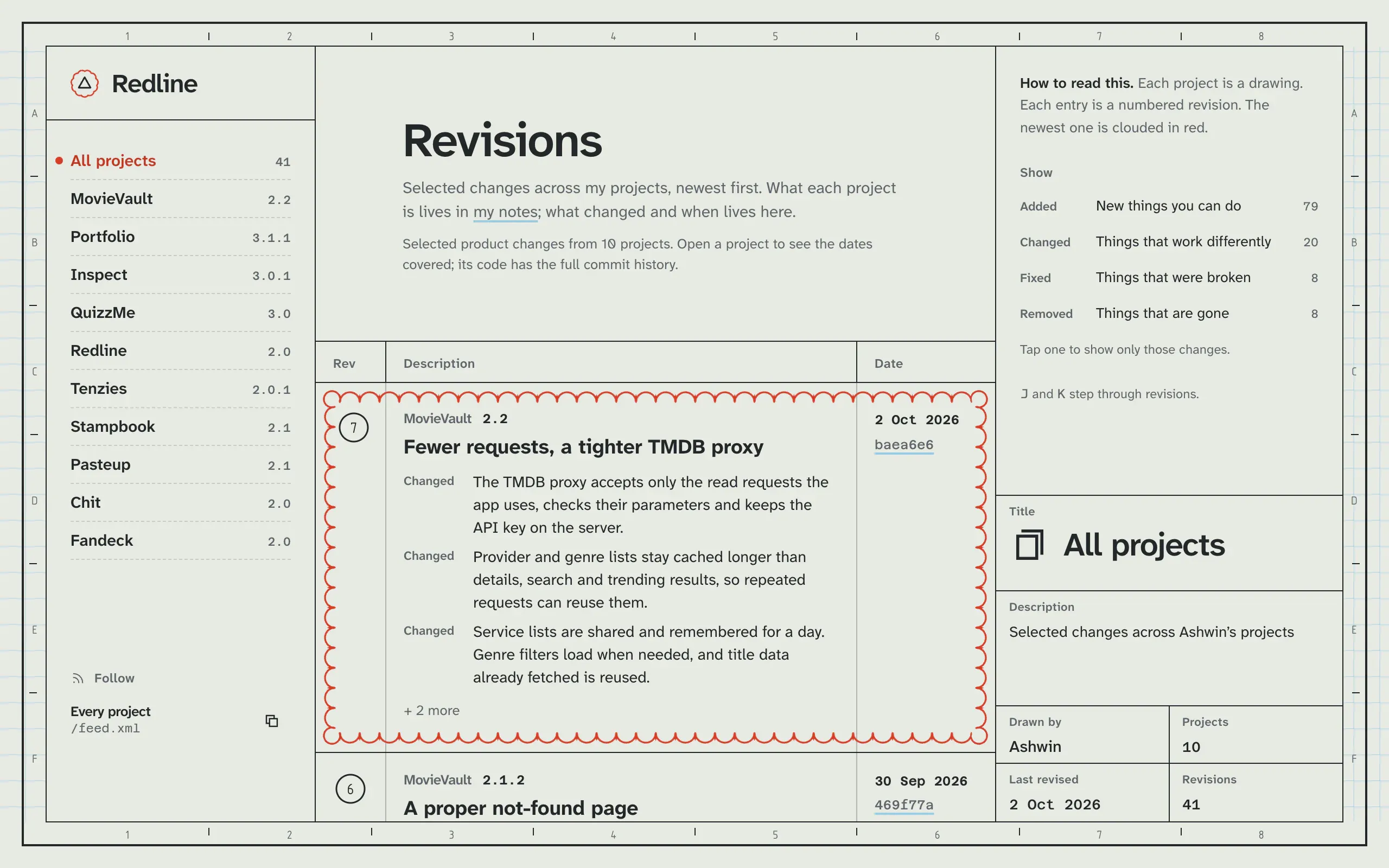
 Redline began in 2025 as Quillify, a blog with categories, an email box and an admin panel. With Inspect around, a second blog was one too many, so it became the place that keeps track of the rest: selected changes across my projects, drawn as revisions on an engineering drawing, with the newest one in a red cloud. The admin and the login stayed. Almost everything behind them changed.
Leaving MongoDB
Quillify kept its posts in MongoDB through Mongoose. A release isn’t a free form document, though. It always has a project, a version, a day, a title and a list of changes. And the free MongoDB database paused after a month without use, which is a poor fit for a site I write to every few weeks. So the data moved to PostgreSQL on Neon, with two tables:
create table if not exists releases (
  id uuid primary key default gen_random_uuid(),
  project text not null references projects (slug) on update cascade on delete cascade,
  version text not null,
  day date not null,
  title text not null,
  changes jsonb not null default '[]',
  notes text not null default '',
  commits text[] not null default '{}',
  created_at timestamptz not null default clock_timestamp(),
  unique (project, version)
);
The fixed fields are columns, and the one part that varies, a list of changes each with a kind and a line of text, is jsonb. A project can’t have two releases with the same version, renaming a project’s slug carries its releases with it, and deleting a project takes them too. commits is the list of short hashes a release was written from, which matters for the next part.
A draft from the commits
Writing a release from scratch is the reason changelogs go stale. So the admin starts from the project’s commits. It asks the GitHub API for everything since the day of the last release, then throws out two kinds of commit:
- any whose hash is already in a release’s
commits, so nothing is written up twice; - merges, docs, dependency bumps, readme edits and work in progress, spotted by the message’s first word.
What’s left becomes a list of changes. A commit’s type decides its kind, and the message is tidied into a sentence:
const KIND_OF = [
  [/^(feat|add)\b/i, 'added'],
  [/^(fix|bug|hotfix)\b/i, 'fixed'],
  [/^(revert|remove|drop)\b/i, 'removed'],
];
Everything else is “changed”. The pull request number is cut off the end, the first letter is capitalised and a full stop goes on. The draft also suggests the next version: if every change is a fix it’s a patch, so 2.1 becomes 2.1.1, and anything else bumps the minor version to 2.2. The date is the newest commit’s day.
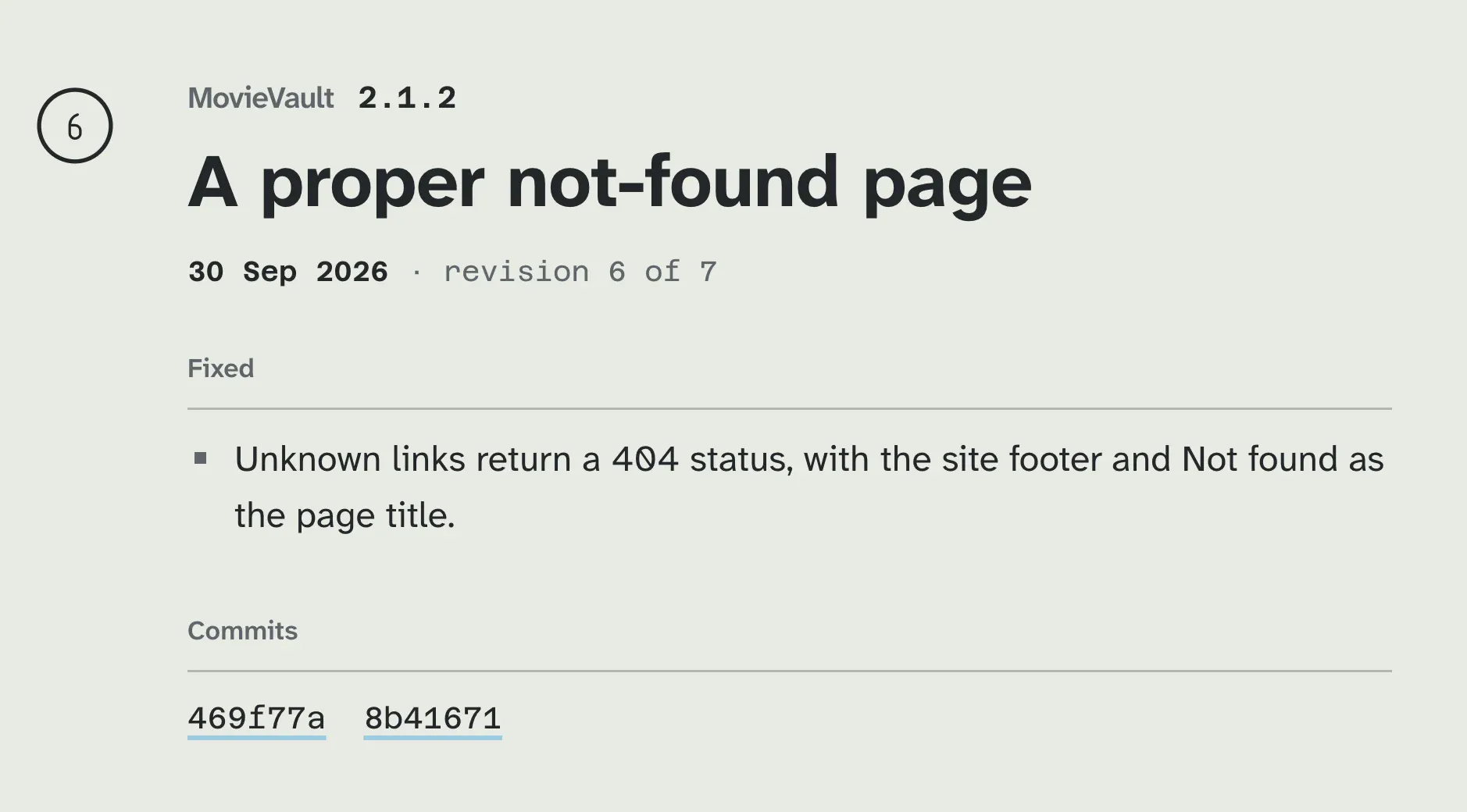
It’s a draft, not a release. Commit messages are written for me and releases are written for people, so I rewrite every line before publishing. The draft just means I start from a list instead of a blank page.
Publishing without a rebuild
The public pages are prerendered, including a page and an Atom feed per project. They read their rows through one cached query with a tag, and the cache refreshes on its own every 60 seconds at most. Publishing doesn’t wait for that:
const refresh = () => {
  updateTag('redline-rows');
  revalidatePath('/', 'layout');
};
Every save, delete or project edit calls it, so the next visit gets fresh pages and fresh feeds without a deploy. Deleting a release returns the row that was removed, and the admin’s toast offers Undo, which puts it back with its original date and commits.
The form that forgot the email
React 19 resets a form after its action runs. For most forms that’s what you want. For a login it meant a wrong password also cleared the email, so every typo meant typing both again. The fix was to stop letting the form own the field:
const [state, action, pending] = useActionState(login, null);
const [email, setEmail] = useState('');
With the email in state and passed as value, the reset has nothing to clear. The password field is still left to the form, so it does empty after a failed attempt, which is the part that should.
Rough edges
- One admin. There’s one login and no roles. It’s my changelog.