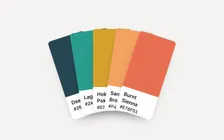
Fandeck
A palette tool that started as a colour input, a dropdown and a button. Now the palette follows you as you pick, survives the API being wrong or away, and lives in the link.
- Made
- 2024, rebuilt in 2026
- Stack
- HTML, CSS, JavaScript, The Color API
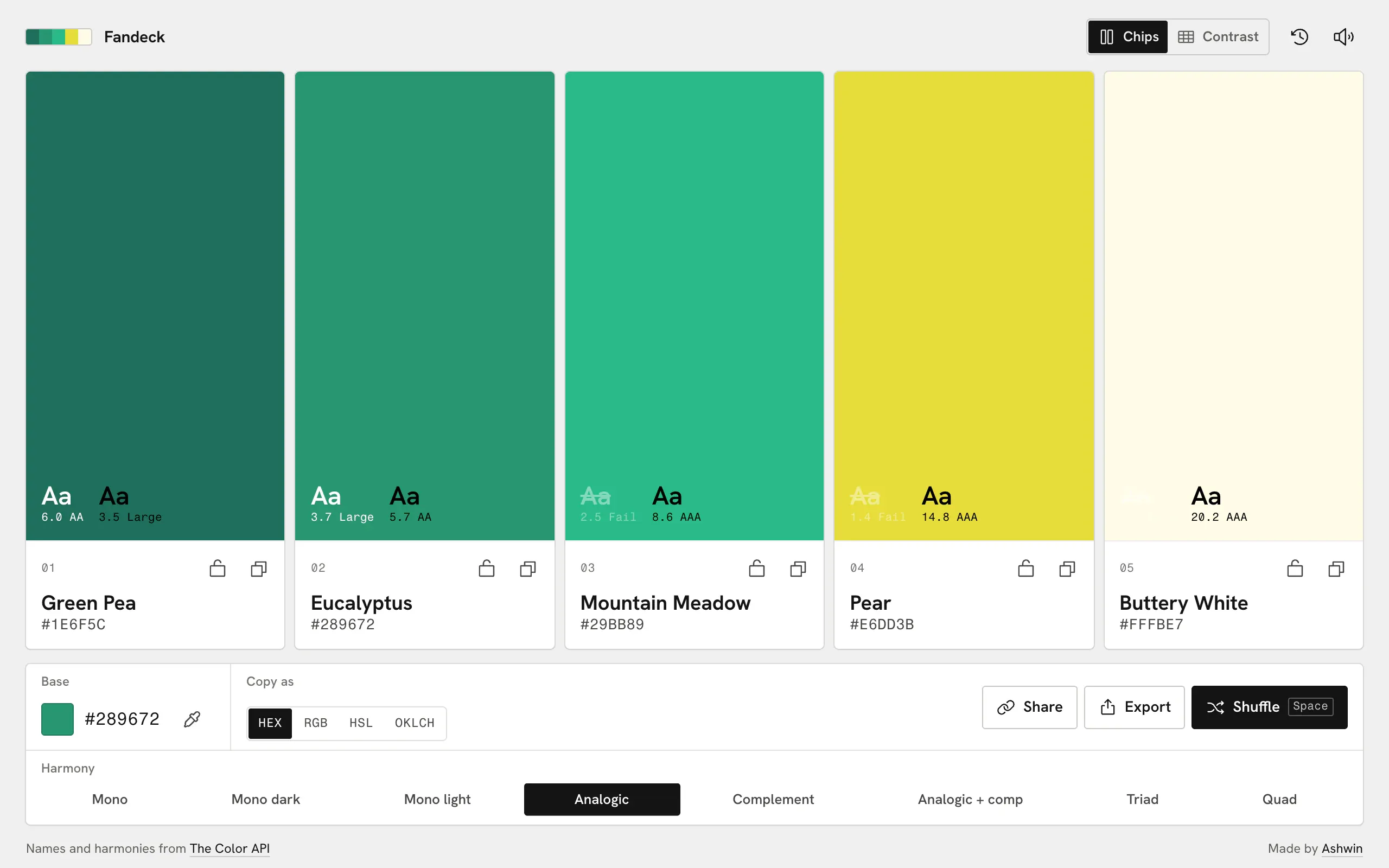
 Fandeck takes one colour and a harmony and hands back five colours that work together, laid out like paint chips. I first built it in 2024 as Color Scheme Generator: a colour input, a dropdown of harmonies, a Get Color Scheme button and five swatches. The rebuild stayed plain HTML, CSS and JavaScript, with ten modules the browser loads directly.
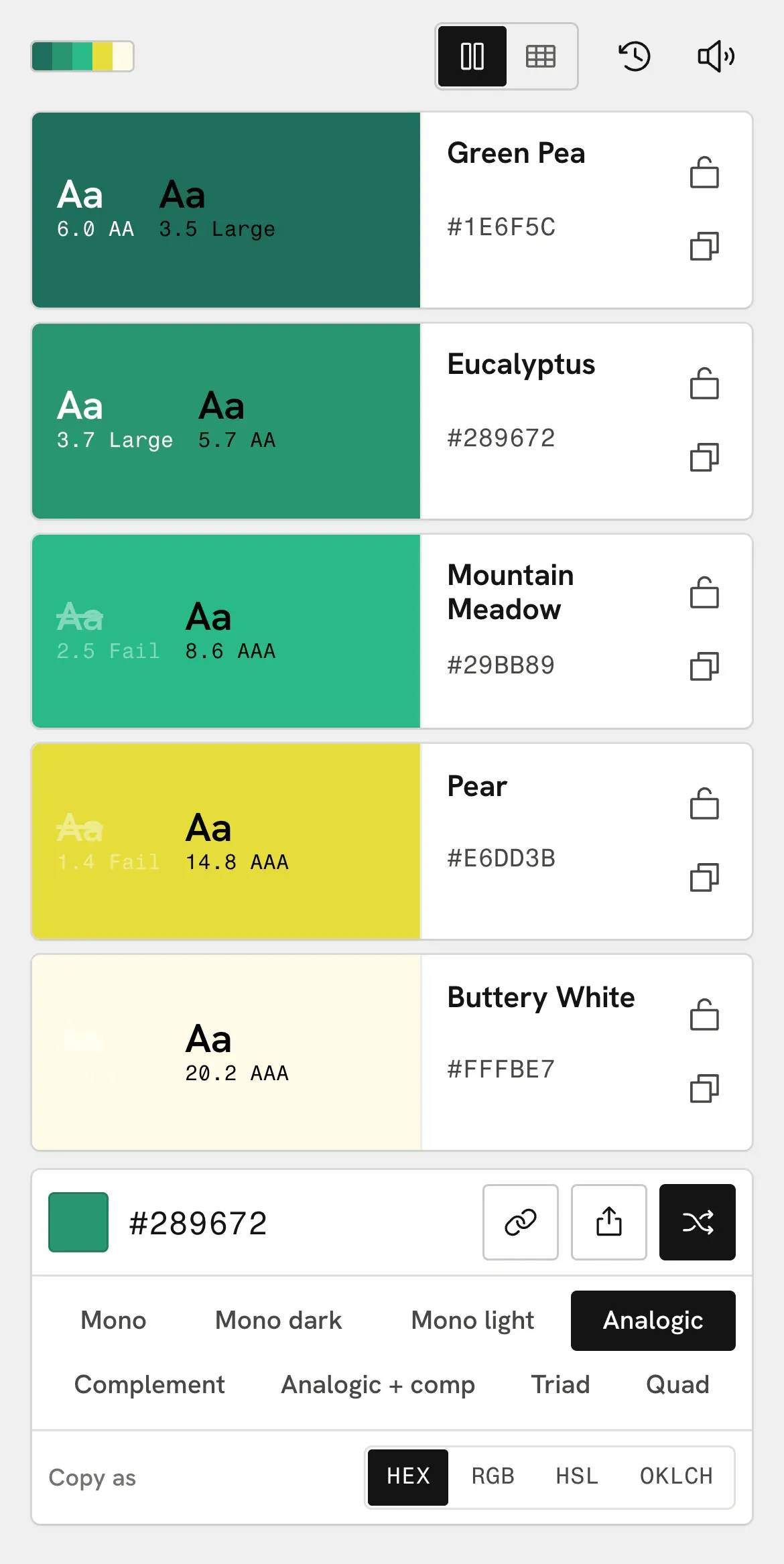
It’s one page at every size, and on a phone it’s its own layout. The chips turn on their side and stack, so each colour sits beside its name and value, with the base, the harmonies and the copy formats underneath.
No button
The old version did nothing until you pressed the button. Fandeck asks the moment something changes. Pick a harmony and the request goes out at once. Drag around the picker and it waits until you’ve been still for 240 ms. Every new request cancels the one before it with an AbortController, so a slow answer about a colour you’ve already left can never land on top of the one you’re looking at.
Most answers come back quickly, so nothing on screen says “loading” unless it takes longer than 160 ms. Only then do the chips that are about to change dim a little.
A new colour doesn’t replace the old one. It’s a second layer on top that fades in over 260 ms with the Web Animations API, and the layer underneath is removed when it finishes. Each chip starts 28 ms after the one to its left, and its name and value swap 90 ms after its colour starts, so the text never sits on the wrong colour. Locked chips are skipped entirely.
The colour you start from has its own picker, which is a story of its own: every row of its square runs out to the edge of what a screen can show.
When the API is wrong, or away
The harmonies and names come from The Color API. Names are kept in a small map by hex, so a colour you’ve seen before isn’t asked about again. One name is patched by hand. The API calls #000FF6, a pure blue, “Unmellow Yellow”:
const FIXES = { '#000FF6': 'Blue' };A request gives up after 9 seconds. If it fails for any reason other than being replaced by a newer one, Fandeck mixes the harmony itself in HSL, one small plan per mode:
const plans = {
  analogic: (i) => make(h + steps[i] * 22, s, l),
  triad: (i) => make(h + (i % 3) * 120, s, l + (i > 2 ? 12 : 0)),
  quad: (i) => make(h + (i % 4) * 90, s, l + (i > 3 ? 12 : 0)),
};
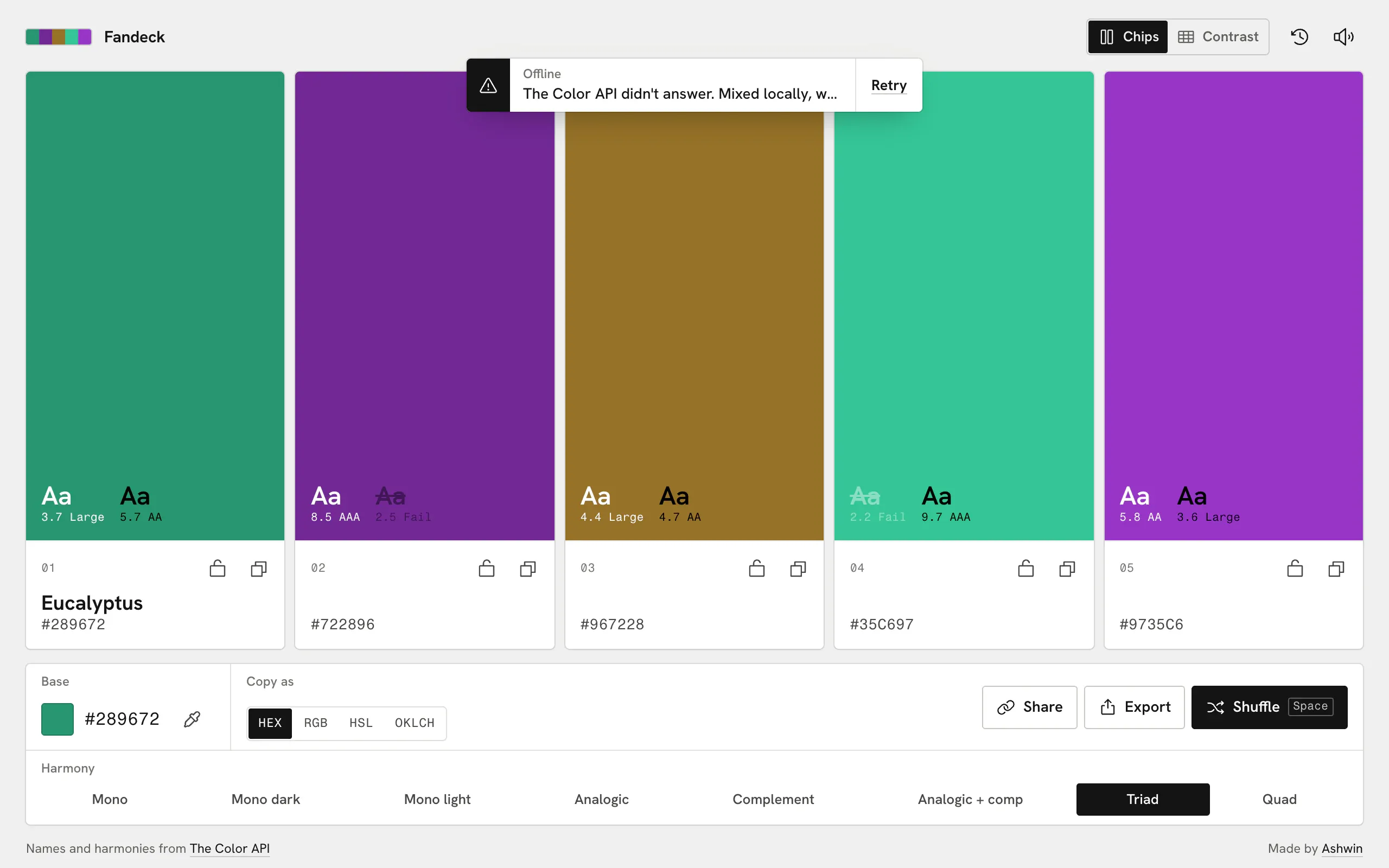
It isn’t what the API would have returned, but it’s the same kind of palette, and a toast says so: “The Color API didn’t answer. Mixed locally, without names.” with a Retry beside it. Colours already in the name map keep their names.
The palette is the link
Every change rewrites the address bar with history.replaceState: the five hexes, the harmony and the base. Reloading or sending the link gives back exactly what’s on screen. Links from the first version, which used ?palette=, still open. Those never carried a base or harmony, so the middle chip becomes the base and the harmony you already had stays.
Pasting a link into a chat should show the palette, but Fandeck is a static page. So Vercel looks at the user agent: crawlers and link previewers asking for a palette are sent to a function that writes that palette’s title and a preview card into the page, cached at the CDN for a day. Everyone else gets the static app.
Undo keeps the last 50 changes. Recent palettes are saved only once you’ve stopped for 1.2 seconds, so dragging through a hundred colours in the picker doesn’t fill the list with a hundred palettes.
Names you can paste
The exports name each colour after what the API called it. The name is lowercased, accents are stripped, anything else becomes a dash, and a name that comes up twice gets a number. Monochrome palettes often have two shades with the same name. For the palette above, the Tailwind export is:
@theme {
  --color-green-pea: #1E6F5C;
  --color-eucalyptus: #289672;
  --color-mountain-meadow: #29BB89;
  --color-pear: #E6DD3B;
  --color-buttery-white: #FFFBE7;
}
The copy format you pick (HEX, RGB, HSL or OKLCH) changes what the chips show, what a tap copies and what every export writes, so the values in your stylesheet match the ones you were looking at.
Rough edges
- Five colours, always. The API can return more, but the layout is built around five.
- The eyedropper is Chromium only. Safari and Firefox don’t have the API yet, so the button hides there.
- Copying the PNG needs a browser that lets pages write images to the clipboard. Download always works.