Chit
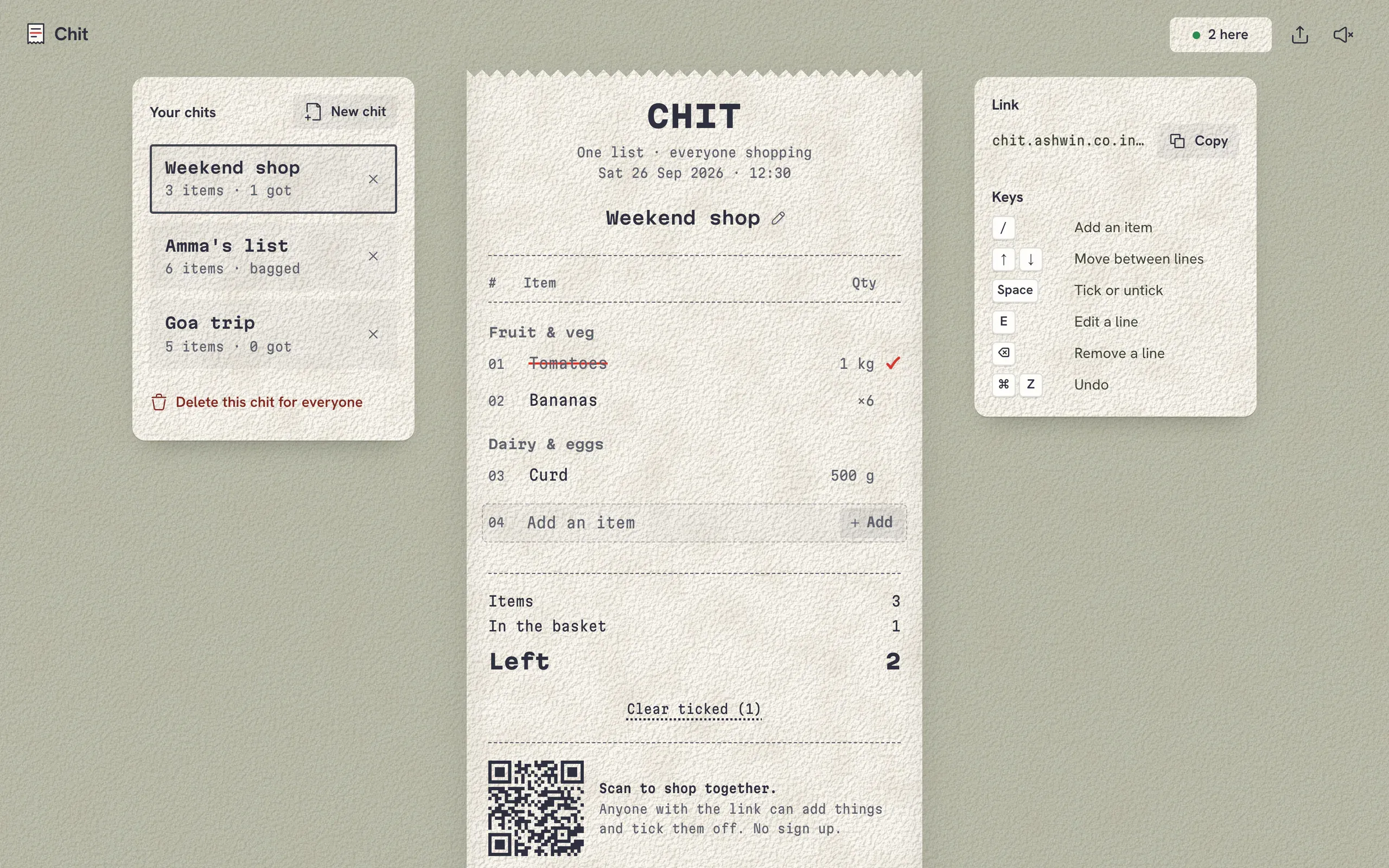
A shared shopping list printed like a till receipt, in plain JavaScript on a free Firebase database. The work underneath: a link nobody can list, a parser for however people type a shopping line, and writes that show before the network answers.
- Made
- 2024, rebuilt in 2026
- Stack
- HTML, CSS, JavaScript, Firebase
 Chit started in 2024 as Add To Cart: one list that everyone who opened the site shared, an input, an add button and a cat. Now every list is its own receipt with its own link. It’s still plain HTML, CSS and JavaScript with no framework and no build step, and the data lives in Firebase’s Realtime Database on the free plan.
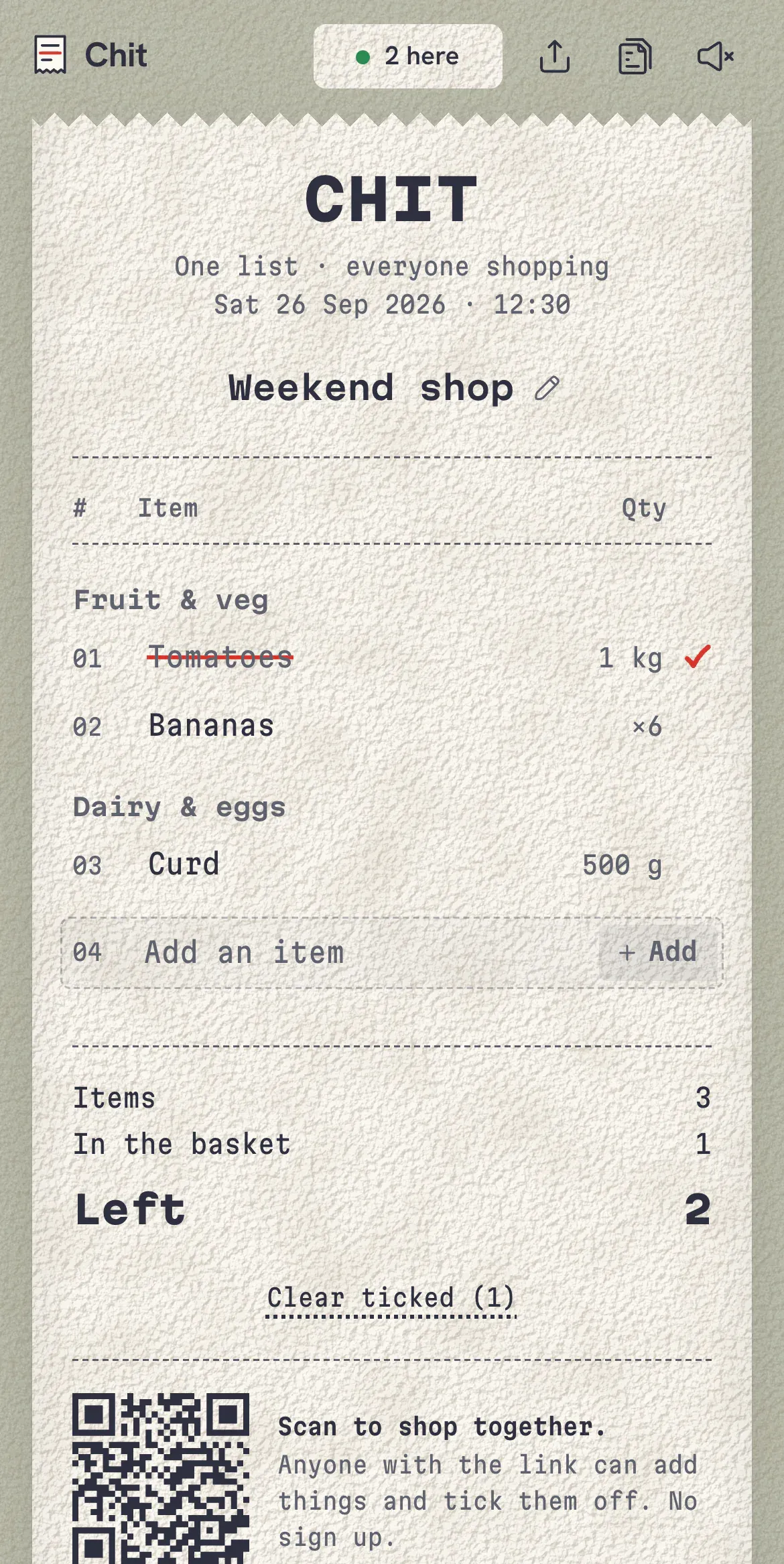
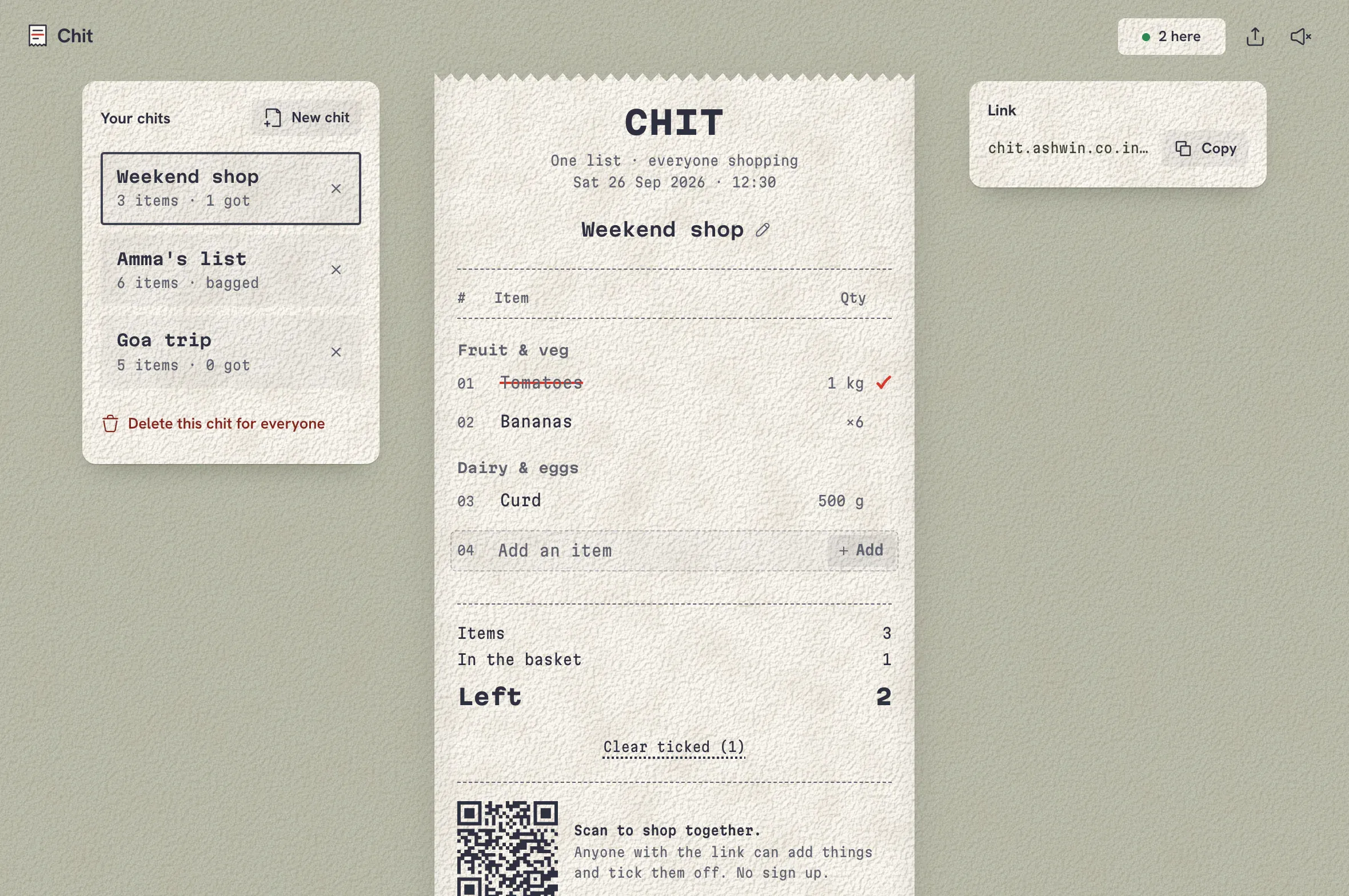
On a phone the receipt is the whole screen, with who’s here, share and sound in the bar above it. From an iPad up, your other chits sit to the left and the link to the right, and a desktop adds the keyboard keys under the link.
A link nobody can list
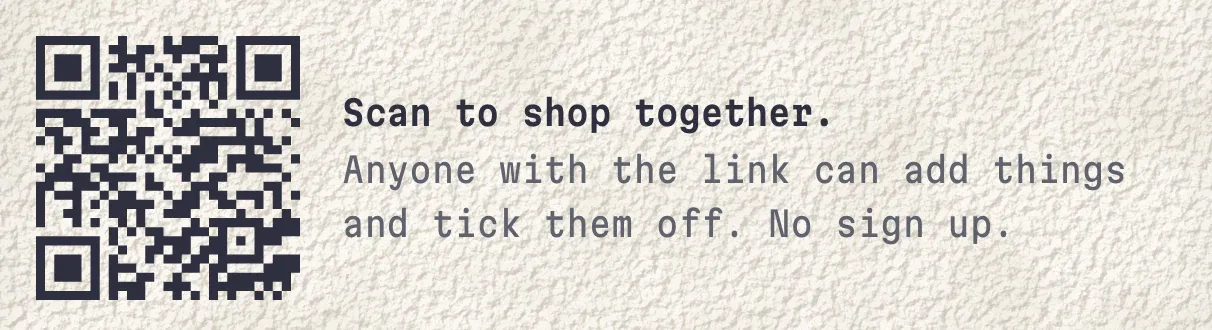
There are no accounts. Whoever has a chit’s link can read it and change it, and nobody else should be able to find it. That’s all in the database rules:
"lists": {
  "$list": {
    ".read": "$list.length >= 10 && $list.length <= 24 && $list.matches(/^[a-z0-9]+$/)",
    ".write": "$list.length >= 10 && $list.length <= 24 && $list.matches(/^[a-z0-9]+$/)",
Reading is allowed on one chit at a time, by its id. There’s no rule on lists itself, so asking for every list is refused, and without the id there’s nothing to guess from. Ids are 16 characters drawn with crypto.getRandomValues from 32 letters and digits, with l, o, 0 and 1 left out so an id read off a screen can’t be misread. Every field is validated too: a name up to 60 characters, an item’s text up to 80, a quantity and a section up to 20, ticked as a true or false, and any field the rules don’t name is rejected.
Parsing a shopping line
People type a shopping list the way they’d say it, so the add box does too. The parser tries six patterns in order: a number and a unit at the start, then at the end, then x2 at either end, then a bare number at either end, as long as it’s under 1,000. Number words, a and an, halves and quarters all count, and units are tidied, so kgs, kilo and kilos all print as kg and 3 packets prints as 3 packs.
Then it picks a section. A short list of two word phrases goes first, because green chilli is produce and chilli powder is a spice. After that it reads the words from the end of the line backwards, because the noun usually comes last. Here’s the real parser on a few lines:
| Typed | Item | Qty | Section |
|---|---|---|---|
| 2 kg onions | Onions | 2 kg | Fruit & veg |
| milk x2 | Milk | ×2 | Dairy & eggs |
| a dozen eggs | Eggs | 1 dozen | Dairy & eggs |
| atta 5kg | Atta | 5 kg | Staples & spices |
| half kg paneer | Paneer | ½ kg | Dairy & eggs |
| 3 packets maggi | Maggi | 3 packs | Snacks & drinks |
| green chilli | Green chilli | Fruit & veg | |
| chilli powder | Chilli powder | Staples & spices | |
| chicken masala | Chicken masala | Staples & spices |
The word lists know Indian names as well as English ones, so atta, dahi, pav and haldi land in the right place. The same normalising, lower case, punctuation out and plurals made singular, is how it spots that tomatoes is already on the list as Tomato.
Writing before Firebase answers
The Firebase SDK is imported after the page has drawn, so the receipt’s frame and your list of chits, kept in local storage, are there before it arrives. Every change goes through one function that applies it to what’s on screen first and sends it second:
writeItem(id, key, item, opts = {}) {
  mirror(id, { items: { [key]: { ...item, at: item.at ?? Date.now() } }, create: opts.create });
  return withDb((m) => m.writeItem(id, key, item, opts));
},
That matters most offline. Firebase’s web SDK queues writes without a connection, but it won’t raise change events for a list it has never fetched, so without the mirror a new chit made offline would look like nothing happened. If Firebase later refuses a write, the receipt says “Not saved. That change was refused.”
Staying on the free plan
The free plan allows 100 simultaneous connections, and every open tab is one. Presence uses Firebase’s own pieces: when a tab connects it registers an onDisconnect that removes its entry, then writes the entry, so a tab that’s closed or loses signal disappears from “2 here” on its own. A tab that’s been hidden for three minutes goes offline on purpose and gives its connection back. When you return it reconnects, and the people count waits four seconds to settle so it doesn’t flicker through wrong numbers on the way.
Opening in a shop with bad signal
A service worker keeps the app on the phone. The Firebase SDK and the fonts are served from its cache first, since they never change at a given version. The app itself is fetched fresh, but only gets three seconds before the cached copy is used instead, so a weak signal at the door doesn’t mean staring at a blank page.
Rough edges
- Anyone with the link can edit. That’s the point, but a chit is only as private as its link.
- Offline changes live in memory. They show at once and sync when the connection comes back, but closing the tab while offline loses them.
- Sections are a word list. Anything it doesn’t know goes under Everything else until you move it.