Dice that sit on the felt
Tenzies went from flat squares to CSS cubes to real 3D dice in three.js. The hard part was not the 3D. It was making ten red dice look like they are lying on the same green table.
- Project
- Tenzies
- Stack
- React 19, three.js, Tailwind CSS 4, Motion
 Tenzies is ten dice. You hold the ones that match and roll the rest until all ten show the same number. The first version, from 2024, drew each die as a bright red square with white dots that spun flat on the page when you rolled, and a held die turned white. It worked, and it looked like a form.
For the rebuild the page became the felt of a dice tray: deep petrol green with a grain and a soft vignette. Casino red dice with ivory pips, kept from the first version, and held dice turn ivory with ink pips, the old “white means held” in better colours. That settled the look. Then the dice had to actually look like dice.
Why not CSS cubes
The first try was six divs per die, each turned into place with CSS 3D transforms. It rolls, and it is cheap. It also looked wrong in three ways I could not fix:
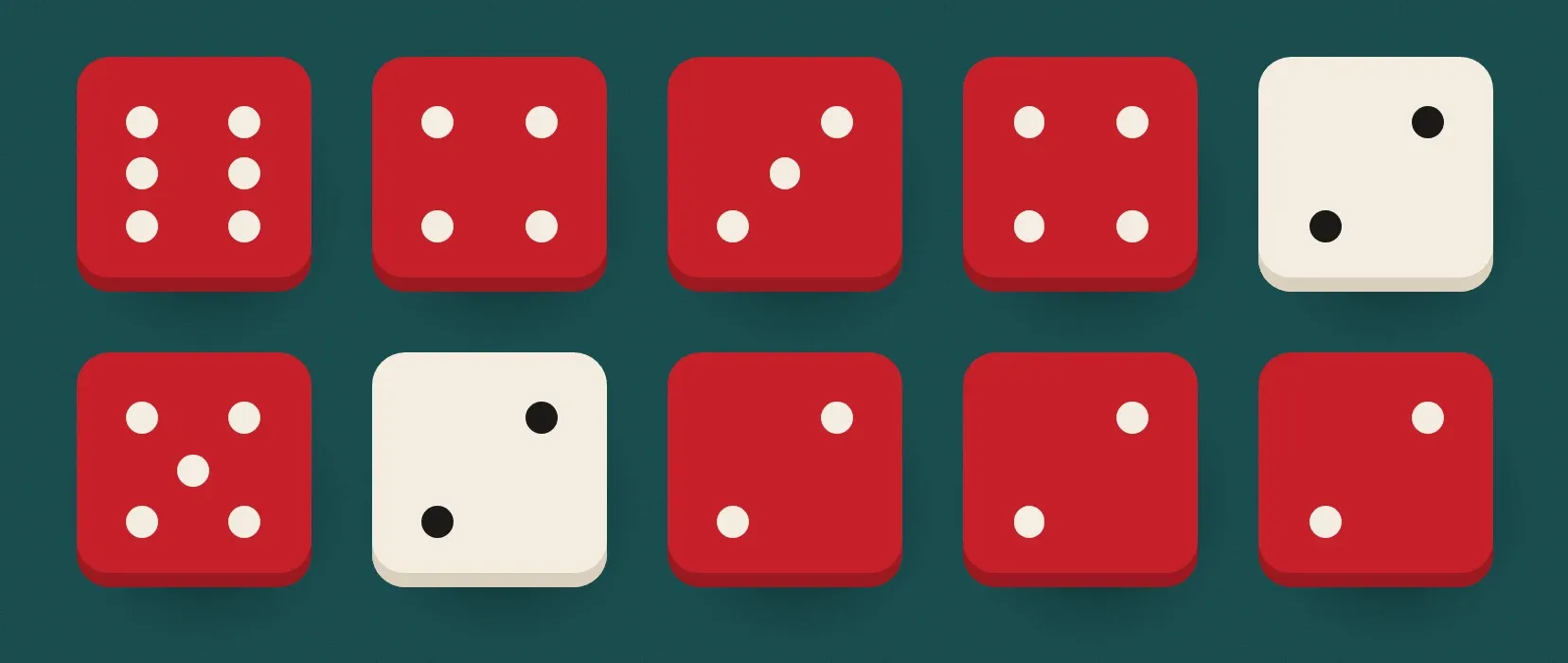
- No rounded edges. Each face is a flat square, and rounding their corners opens gaps at the edges instead of rounding the cube. Real dice are soft all over.
- Faces lit like tiles. Each face got its own flat shade, so a die read as six coloured cards glued together rather than one object under one light.
- Shading that popped. The shade for a face was switched when the die came to rest, so the light seemed to turn on at the end of every roll.
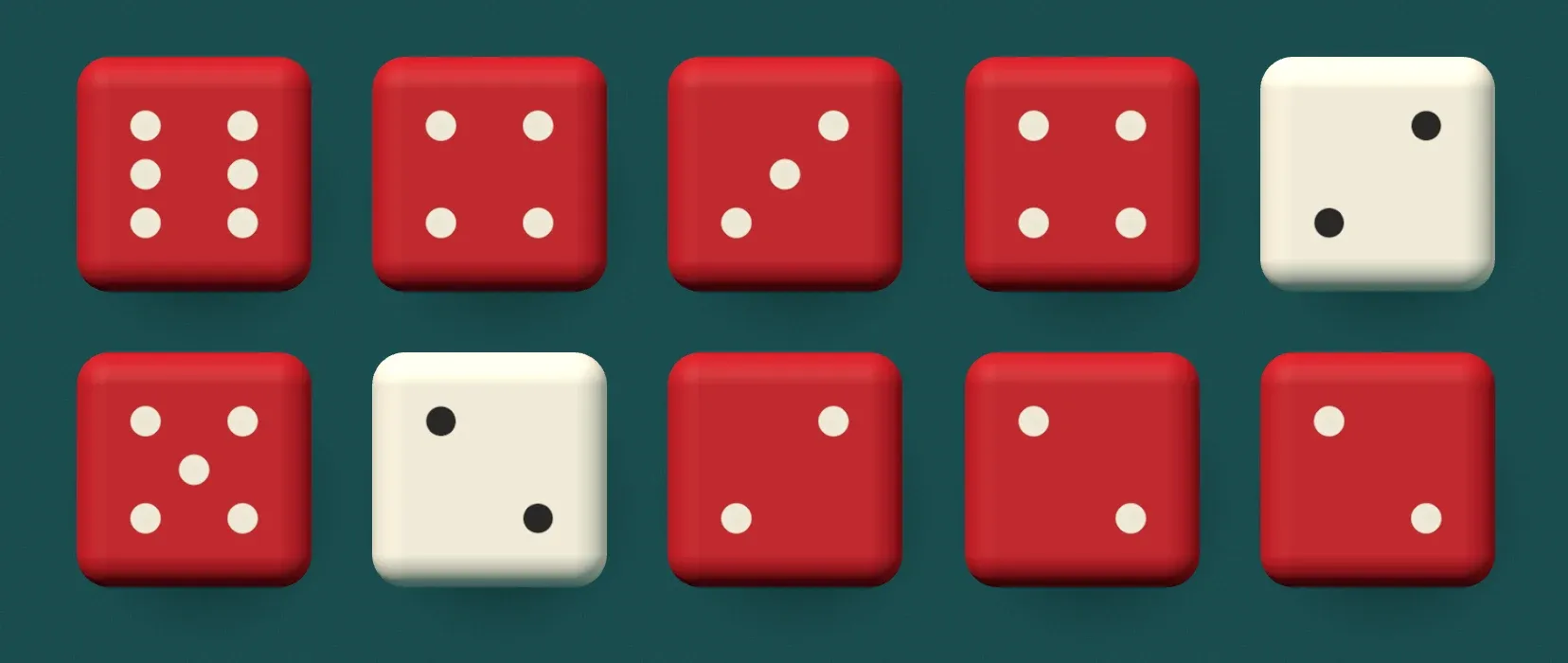
So the dice moved to three.js. RoundedBoxGeometry gives a cube with properly rounded edges (10 segments, a radius of 0.14 of the die), and a real light shades every face continuously as it turns.
One canvas, ten buttons
The dice are not ten canvases. There is one WebGLRenderer with an orthographic camera, laid over the whole board, and it draws all ten dice in one scene.
Underneath it the dice are still ten ordinary <button> elements in a CSS grid. They take every click, tap and key press, they carry the labels screen readers read out (“Die 3, four, held”), and CSS still decides the layout, including ten in a row on a short landscape phone. The canvas has pointer-events: none and just measures where each button is and draws a die there. The camera is orthographic so one unit is one CSS pixel and no die is bigger for being nearer the middle.
The canvas is also bigger than the board by 0.7 of a die on every side, because dice hop when they roll and a die that leaves its canvas gets sliced off.
Three lights and a shadow that is not a shadow
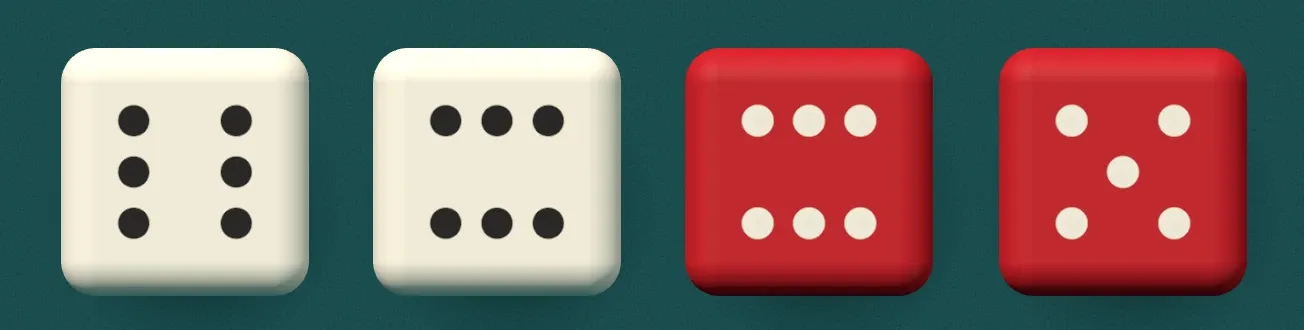
The scene has three lights. A hemisphere light is warm white from above and felt teal from below, so the undersides of the dice pick up the table instead of going to black. A strong key light comes from the top left. A weak teal fill comes from the bottom right. That is the whole rig.
There is no shadow map. Each die button has a .shade span behind the canvas: a radial gradient in a dark felt colour, nudged down and to the right. It is cheaper than a shadow map, softer, and I can tune it in CSS. The trick is keeping it in step with the 3D die. When a die rolls, its shade shrinks and fades as the die lifts, using the same keyframe offsets as the hop in the renderer:
shade.current.animate(
  [
    { opacity: 1, transform: 'scale(1)' },
    { opacity: 0.5, transform: 'scale(0.82)', offset: 0.3 },
    { opacity: 1, transform: 'scale(1)', offset: 0.62 },
    { opacity: 0.9, transform: 'scale(0.97)', offset: 0.76 },
    { opacity: 1, transform: 'scale(1)', offset: 0.88 },
    { opacity: 1, transform: 'scale(1)' },
  ],
  { duration: TUMBLE, delay: wait.current * STAGGER, fill: 'backwards' },
);
Peak lift at 30%, landing at 62%, a small bounce at 76%, still by 88%. The WebGL hop and the CSS shadow are two different systems reading the same timeline.
Matching the red
This was the fiddly part. The red I wanted on screen is the red of the palette. But a lit surface is never the colour you give it: the key light brightens it, the teal ground light pulls it cool, and the angle changes everything. Giving the material the palette red did not give the palette red on screen.
So the lights were tuned by measuring. Render the board, read the pixels in the middle of a flat face, compare them to the palette, adjust, repeat. The material ended up darker than the colour you see (#c2101f in, about rgb(192, 42, 47) out), and the ivory landed at about rgb(240, 235, 215). Now a die face is the same red as the dice in the icon and the 404.
Colours are also not baked into textures. Each face texture is just a mask of where the pips are, and a few lines patched into three’s shader mix a body colour and a pip colour from uniforms:
diffuseColor.rgb = mix( uBody, uPip * ( 0.78 + 0.22 * texel.g ), texel.r );That is why holding a die can fade it from red to ivory over 200 ms: the renderer lerps two uniforms instead of swapping materials. The texel.g term is a slight gradient inside each pip, so it reads as a dimple rather than a sticker.
The roll
A roll is 720 ms per die, and each die starts 26 ms after the one before it, so the eight of them ripple instead of jumping together. For the first 74% of the roll a die spins past its final face, 8 degrees over on one axis and 3 on another, and for the rest it eases back. That little overshoot is what makes it land instead of stop.
When nothing is moving, the renderer draws nothing. The loop runs only while a die is rolling, cheering, shaking or fading, and parks itself the frame after.
The cost
three.js is most of the bundle, about 258 KB gzipped for the whole app. I measured splitting it into its own chunk and it changed nothing on first load, and loading it lazily is out because the dice have to be there on the very first frame: they render in a layout effect so the page never paints an empty board. For a game this is the thing you look at the whole time, so it is the right place to spend it.
 three.js docs
 webglcontextlost