Building Inspect
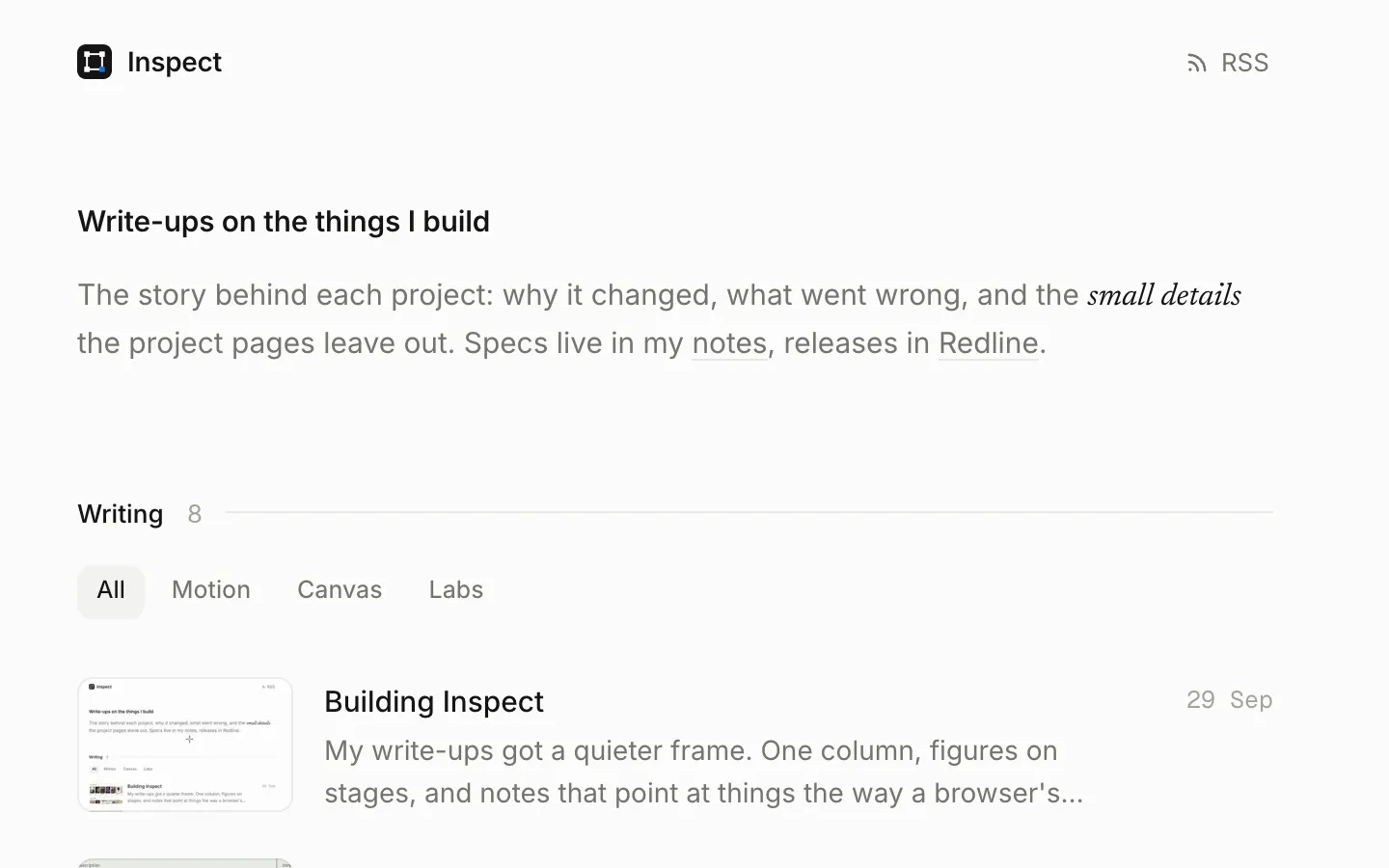
My write-ups got a quieter frame. One column, figures on stages, and notes that point at things the way a browser's inspector does. Here is how the boxes keep up with a video, and how going back lands you where you left.
- Project
- Inspect
- Stack
- Astro 7, MDX, View Transitions
These posts are about small details: a case that opens in mid-air, dice that sit on felt, a number that rolls the right way. The site around them should not shout over that. So it went quiet. One column of text, a grey page, one blue, and every figure on a stage with a little room around it.
The one loud idea is the name. Most of what I write is me pointing at part of a screen and saying look at this bit. Browsers already have a way to show that: the inspector draws a box with handles round an element and tells you its size. So that is how every note here points.
Pointing at things
Nothing is drawn over a screenshot until you ask. Point at a part of it, or at a note, and that part gets its box. On a phone, tap a note and it stays. A screenshot with every box drawn at once looked like a form someone had filled in wrong.
Boxes that keep up
A still is easy: the box sits where I measured it. A clip is harder, because the thing I am pointing at moves. The first version had one box per note and left it there, and on the MovieVault clip the case flew straight out of its own box.
So now the box follows a path. I cut the clip into frames and looked for the case in each one. It is the only large, solid dark shape on a light page, so a threshold, a small blur and the biggest blob find it. Where it crossed a dark poster on the shelf and the two merged, I fixed those few frames by hand. That gave a box for every frame, 76 keyframes once the still stretches were collapsed, and the box is interpolated between them.
The other half is timing. Reading currentTime on every animation frame lags the picture a little, because the video and the page do not draw at the same moment. requestVideoFrameCallback hands over the time of the frame that is actually on screen:
const onFrame = (_: number, meta: VideoFrameCallbackMetadata) => {
  render(meta.mediaTime);
  if (!video.paused) video.requestVideoFrameCallback(onFrame);
};Holding your place
Open a post from halfway down the list and only its title moves: it glides from its row into the heading, and everything else crossfades. That is a cross-document view transition with one shared name. Going back is where it broke. The browser restored the scroll a moment after the transition had taken its picture of the page, so the title flew to where the row would have been at the top, and then the list jumped.
The fix is to do the restoring myself, before that picture is taken. Each page saves its scroll into its own history entry as you leave, and puts it back in pagereveal, which fires before the first frame of the new page is drawn:
history.scrollRestoration = 'manual';

addEventListener('pageswap', () => {
  history.replaceState({ ...history.state, y: scrollY }, '');
});

addEventListener('pagereveal', () => {
  const back = navigation.activation?.navigationType === 'traverse';
  const y = history.state?.y;
  if (back && typeof y === 'number') scrollTo(0, y);
});
A <link rel="expect" href="#end" blocking="render"> holds that first frame until the whole page has been parsed, so there is something to scroll. And All writing, at the top of a post, goes back through history when you came from a list, instead of opening a fresh copy of it at the top.
Nothing moves
- Code cards are built, not added. The label and the copy button are in the HTML, so nothing slides in above the code after the page loads.
- Heroes know their size. Every hero is a 16:10 stage, and the poster is the clip’s first frame, so there is no jump when it starts playing.
- Fonts wait, briefly. Inter and Geist Mono are self-hosted and preloaded with fallbacks matched to their metrics, and the page fades in once they are ready, or after 600 ms at most.
- Checked, not assumed. Eleven screen sizes from a 320 px phone to a 2560 px monitor, every page, light and dark: layout shift 0, and nothing wider than the screen.
There is no theme switch. The page follows your system, light or dark, and the figures redraw to match.
 requestVideoFrameCallback()
 Cross-document view transitions
 Tabular numbers