Pasteup
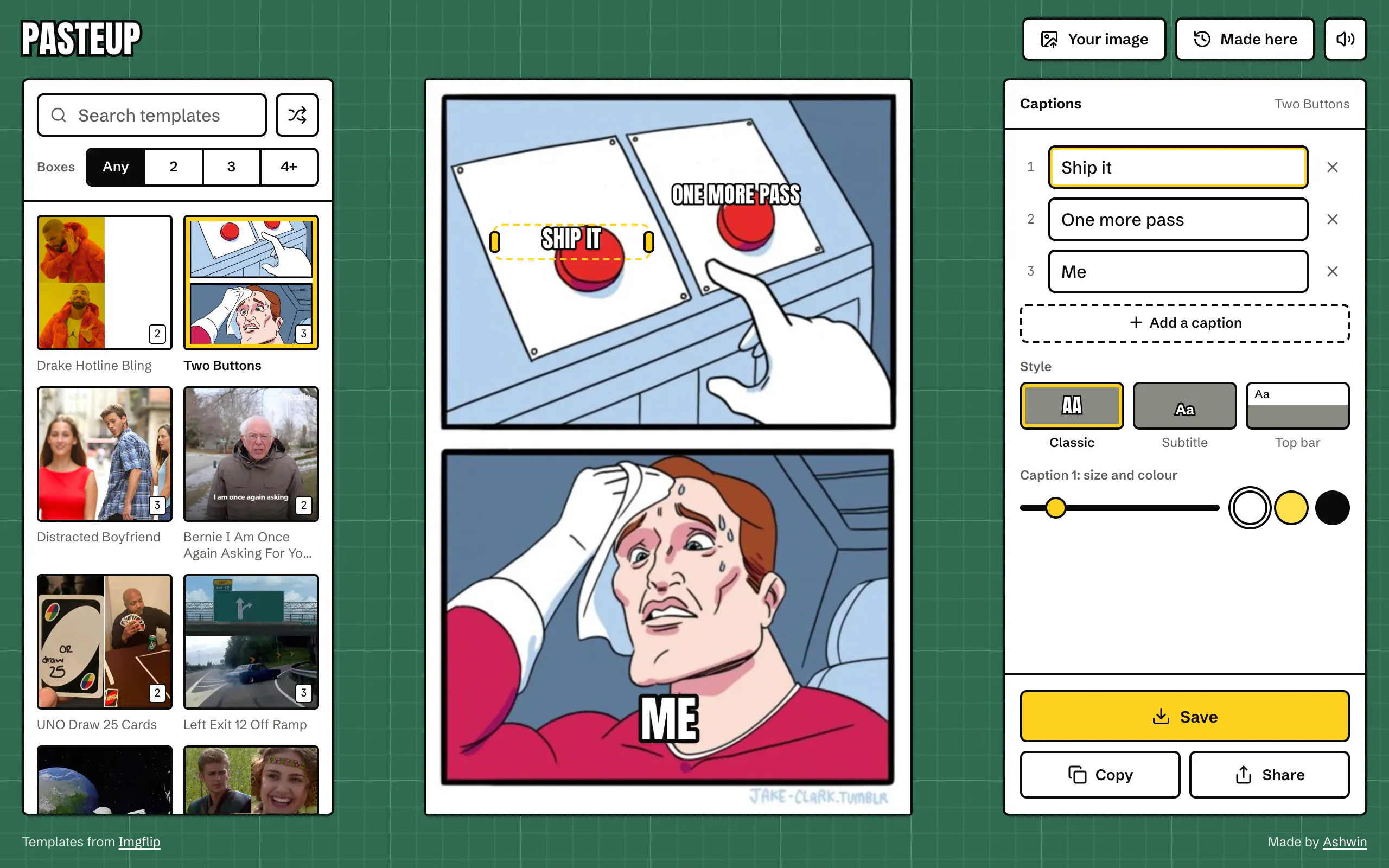
A meme maker laid out like a cutting mat. The interesting part is underneath: one layout that the screen, the saved file and the drag handles all agree on, and captions that wrap and shrink until they fit.
- Made
- 2024, rebuilt in 2026
- Stack
- React 19, Tailwind CSS 4, Motion, Canvas
 Pasteup started in 2024 as Meme Generator: a random template, a box to add lines of text you could drag around, and a download button. The rebuild is named after paste-up, cutting the pieces out and sticking them down on a mat. Everything is drawn on a canvas in the browser, so nothing is uploaded and there’s no account.
One layout for the screen and the file
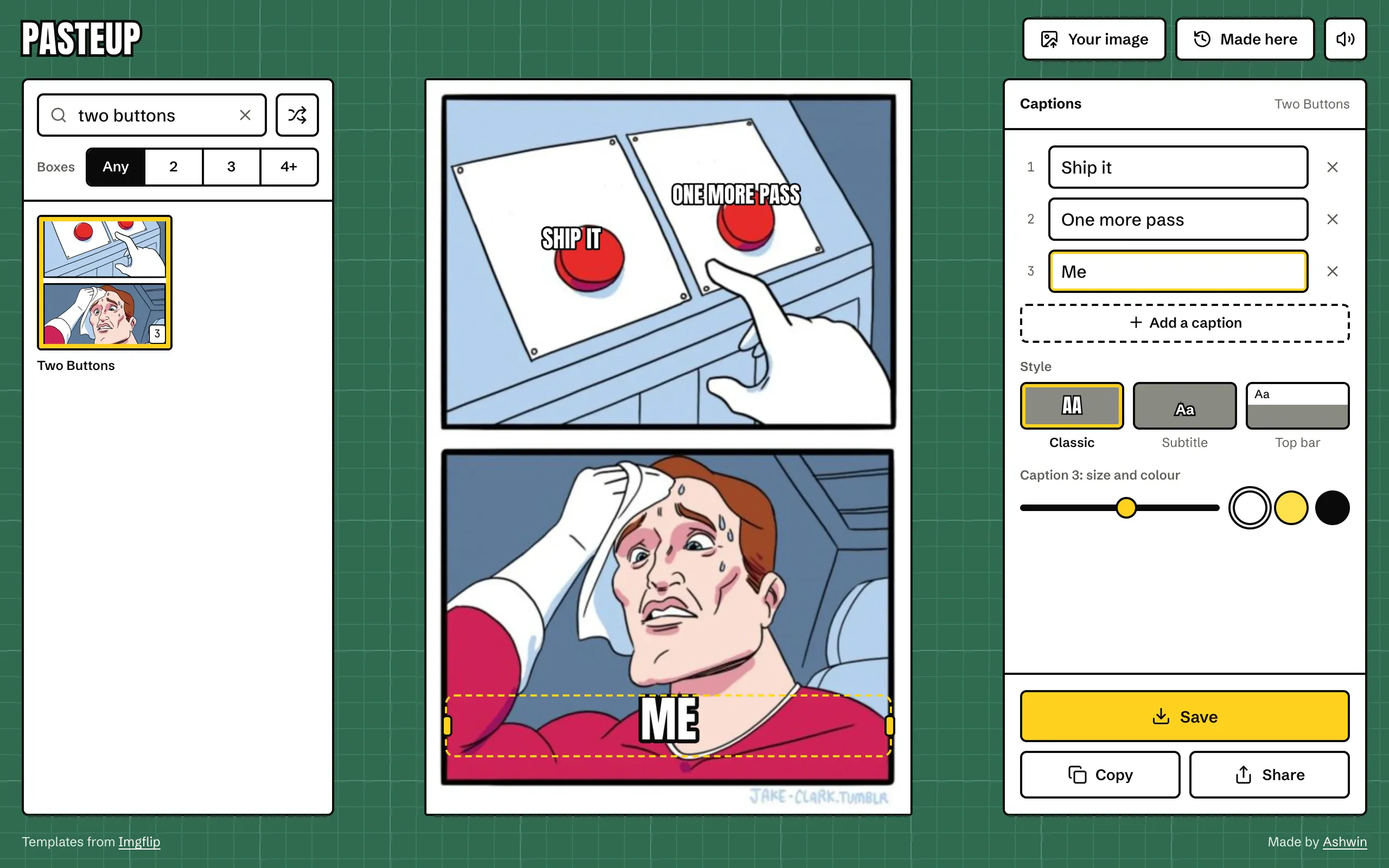
A caption is four numbers, all fractions of the image: where its centre sits across and down, how wide it may get, and how big its text is. None of them are pixels. The image is drawn at an output width between 900 and 1600 px, whatever the template’s own size, and every caption is placed from its fractions at that width.
One function, layout, turns a meme into boxes. The preview canvas draws from it, the saved file draws from it again on a fresh canvas, and the handles you drag are plain HTML buttons positioned from the very same boxes. That’s why the file you save is the picture you were looking at, and why dragging a caption moves the words and not just a selection around them. A caption that’s dragged towards an edge is clamped so its whole box stays on the image.
Fonts needed care. A canvas doesn’t swap fonts when they arrive the way text in the page does, and measureText measures whatever face is loaded at the time, so a caption laid out too early would be measured and drawn in the fallback face and stay that way. So the editor asks for Anton and Schibsted Grotesk as it starts, and the moment both are in, the layout is worked out again and the canvas redrawn.
Fitting a caption
Each caption has a width it can use and a size it starts at. The fitting is a short loop: set the font at the current size, wrap the words into lines with measureText, and if the widest line is too wide or there are more than three lines, take 6% off the size and try again. It stops once it fits, or once the text is down to 10 px. Classic captions are set in upper case Anton with a black outline 0.16 of the type size, which is the look everyone expects. Subtitle captions use Schibsted Grotesk Bold with a heavier outline, and the top bar style moves the first caption onto a white band above the image, where it may run to six lines.
Sixteen of the hundred templates have their starting spots placed by hand, so a new meme from one of them is already captioned in the right places.
Drawing someone else’s image
The templates come from Imgflip, on another domain. A canvas that draws an image from another origin without permission becomes “tainted”, and after that the browser refuses to export it, so Save and Copy would silently fail. Every template is loaded with crossOrigin = 'anonymous', which Imgflip’s image server allows, and any plain http link from the API is rewritten to https first. Your own images come in as object URLs, which are same origin by definition.
Loaded images are kept as promises in a map, so switching between two templates doesn’t fetch either again, and a failed load is dropped from the map so the next try fetches it fresh.
Save, copy and share
Saving draws the meme on a new canvas and keeps the template’s format: a PNG template saves as PNG, everything else as a JPEG at 0.92. Copying always writes a PNG, because that’s what the clipboard takes. The clipboard item is built the moment you tap, holding a promise of the image rather than the image itself:
const item = new ClipboardItem({
  'image/png': exportMeme(true).then((r) => r.blob),
});
await navigator.clipboard.write([item]);
Rendering takes a moment, and browsers only allow a clipboard write as a direct result of the tap, so the write starts inside the tap and the image follows when it’s ready. On a phone, Share hands the same file to the share sheet. Every meme you save or copy is also kept on the device with a 360 px thumbnail, to reopen and change the joke later.
One screen at every size
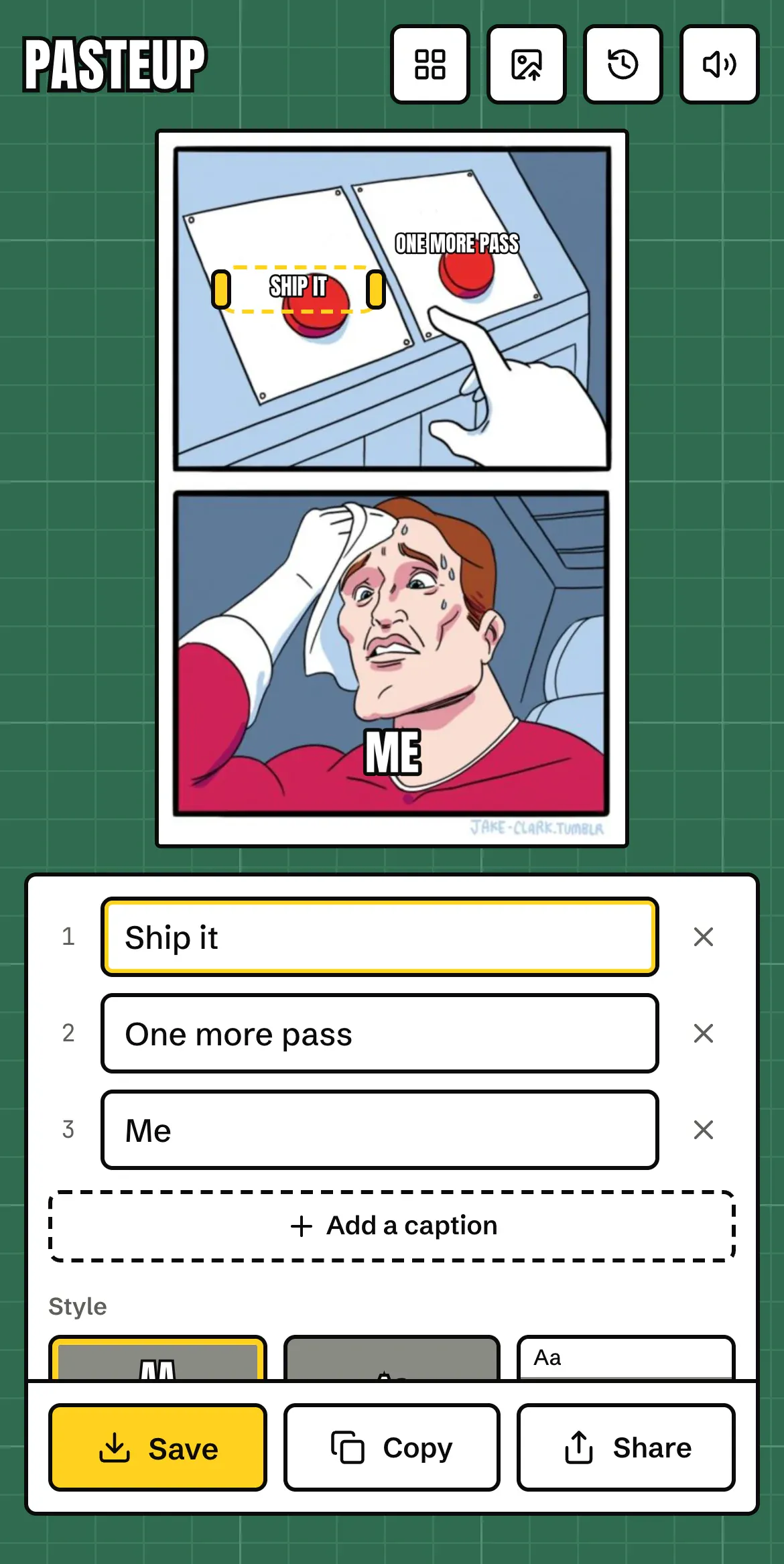
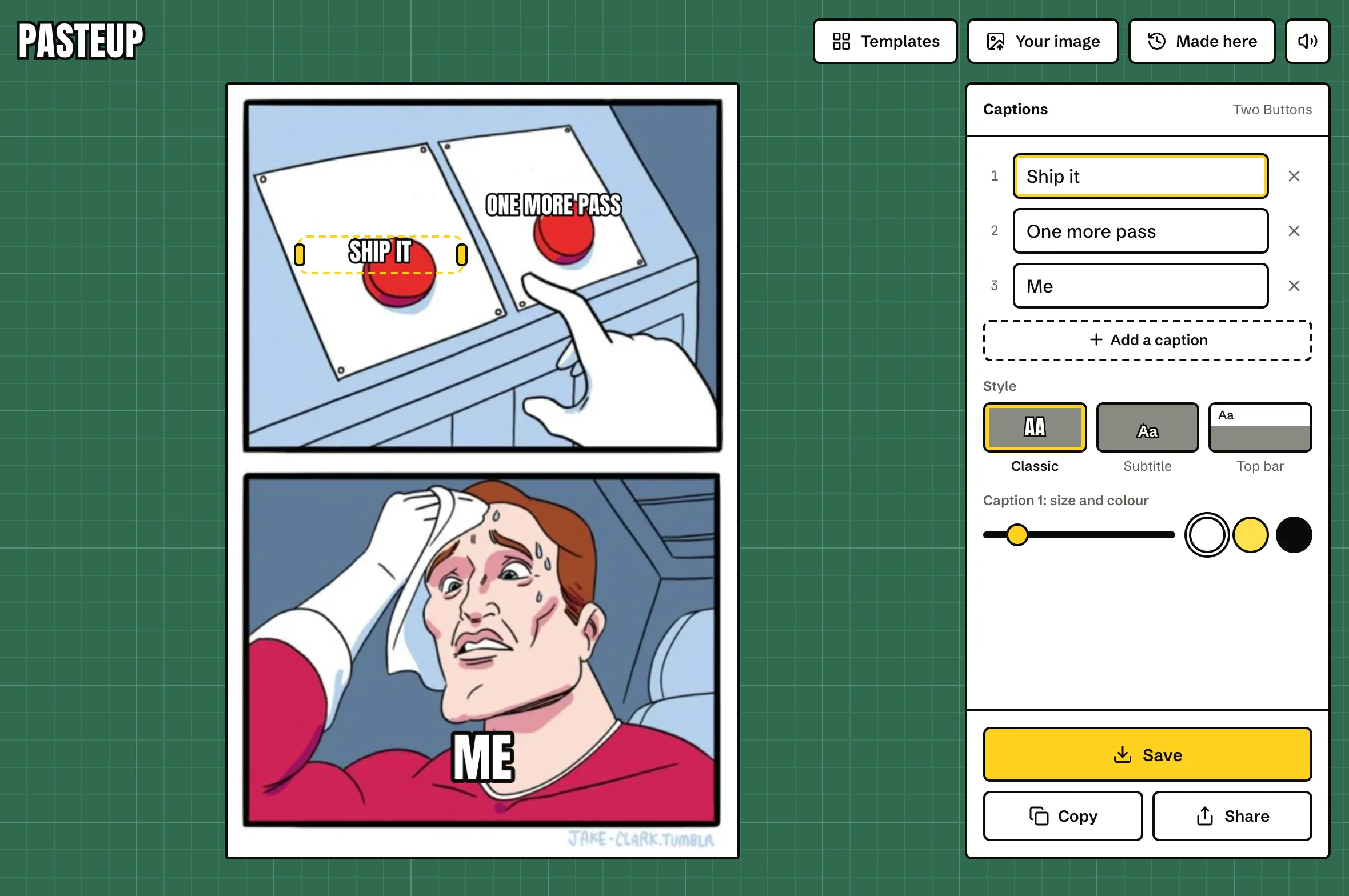
The editor fits one screen from a 320 px phone up. On a phone it’s built differently, not squeezed: the meme sits at the top, the captions underneath, and Save, Copy and Share are pinned to the bottom where your thumb is. The templates move into a sheet behind the button at the top.
Rough edges
- Caption spots are hand placed for the most used templates. The rest start in a sensible default and need a drag.
- Copying an image needs a browser that lets pages write images to the clipboard. Save always works.
- GIFs are drawn as a still of their first frame.